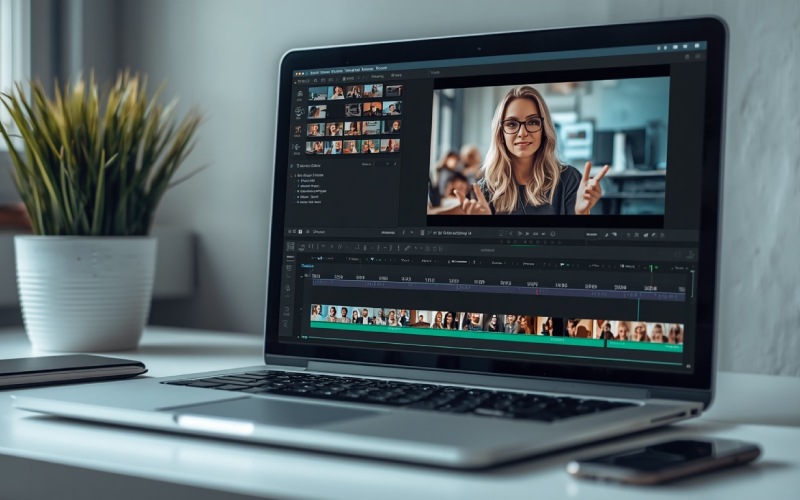
Best Video Editing Software in 2026: Top Desktop Programs and Free Online Editors
Video editing software allows users to edit videos professionally. There are several video editing software options available in 2026; some of them focus on manual editing, while most use AI tools to edit videos. It is important to identify your needs and select an appropriate video editing software to fulfill them. In this article, we will share some of the best video editing software with you, so let’s begin.
1. DaVinci Resolve
Developed by Blackmagic Design, DaVinci Resolve is one of the best professional video editing tools that combines video editing with visual effects, color correction, and audio production. It also allows users to export up to Ultra HD 4K without paying for a subscription.
2. Adobe Premiere Pro
Adobe Premiere Pro is one of the most popular and widely used professional video editing tools. It is primarily used by professional video editors, production companies, and content creators. It comes with several helpful features such as automatic transcription, subtitle creation, professional transitions, tools for refining footage, and more.
3. Final Cut Pro
Final Cut Pro is designed for macOS users. It targets users who work within Apple’s ecosystem and offers features like advanced color correction, audio editing, multicamera editing, high-resolution exporting, and more.
4. CapCut
CapCut is a popular choice amongst short-form video editors for platforms like YouTube, Instagram, TikTok, and more. It provides a versatile setup and supports editing via desktop, mobile, and web browser. This app is suitable for extensive video editing for long-form videos.
5. Microsoft Clipchamp
Microsoft Clipchamp is ideal for users looking for video editing tools without a complicated learning curve. It is a browser-based video editing tool that allows users to trim clips, combine footage, add text, insert music, use templates, and more.
6. Canva Video Editor
Canva is a well-recognized graphic design platform. However, it also offers several useful video editing features, such as combining clips, adding text, inserting animations, using stock assets, creating promotional videos, and more. Canva has several ready-made templates to use, ensuring even beginners can conveniently complete their video editing tasks.
7. Shotcut
Shotcut is an open-source video editing platform for Windows, macOS, and Linux. This free video editing tool supports several video and audio formats and offers features like applying filters, adjusting colors, adding transitions, exporting videos in different resolutions, and more. It is a very useful video editing tool for users seeking a free platform to edit their videos.
8. VEED
VEED is another browser-based video editing platform in our list. It is designed for simple content creation and offers features like trimming videos, adding subtitles, inserting text, and making other basic adjustments. However, it is not entirely free, and you may need to pay for a subscription to use all features.
|
Software |
Best Use |
Free Option |
|
DaVinci Resolve |
Professional Editing |
Yes |
|
Adobe Premiere Pro |
Advanced production |
Trial |
|
Final Cut Pro |
Mac video editing |
Trial |
|
Final Cut Pro |
Mac video editing |
Trial |
|
CapCut |
Social media videos |
Yes |
|
Clipchamp |
Simple online editing |
Yes |
|
Canva |
Marketing videos |
Yes |
|
Shortcut |
Open-Source editing |
Yes |
|
VEED |
Online editing and subtitles |
Yes |
How to Choose the Right Video Editing Software
For selecting the right video editing software, you should follow these steps:
-
Understand your requirements and make a note of them.
-
Now, compare the best video editing tools available in the market and match their features with your requirements.
-
Check their cost, free options, export options with a watermark or without, and more,
-
Before taking a subscription, test tools thoroughly, watch their tutorial videos, and understand their workflow for making an informed decision.
Frequently Asked Questions (FAQs)
What is the Best Free Video Editing Software in 2026?
DaVinci Resolve is often considered the best free video editing software in 2026. However, it may not be the best choice for everyone.
Which Video Editor Works Online Without Installation?
There are several web-based video editing tools available; some of the most popular ones are Clipchamp, Canva,
VEED, and CapCut.
Which Video Editing Software is Best for Beginners?
CapCut, Clipchamp, and Canva are considered the best options for beginners in video editing.
Conclusion
Video editing software comes with several useful features to allow trimming, merging, adding clips, transitions, effects, color grading, and exporting high-quality footage. In this article, we discussed the 8 best video editing tools in 2026 as per our analysis; your answer can be different, but these tools offer amazing features, and some of them are completely free to use. In the end, we hope that you like reading this post and find it informative; if so, then do share this post with others as well.
7 Best Keyword Research Tools for SEO in 2026

7 Best Free and Open-Source POS Software Systems in 2026


10 Best Retail Appointment Scheduling Software in 2026


Software vs. Applications: 7 Key Differences Explained With Examples